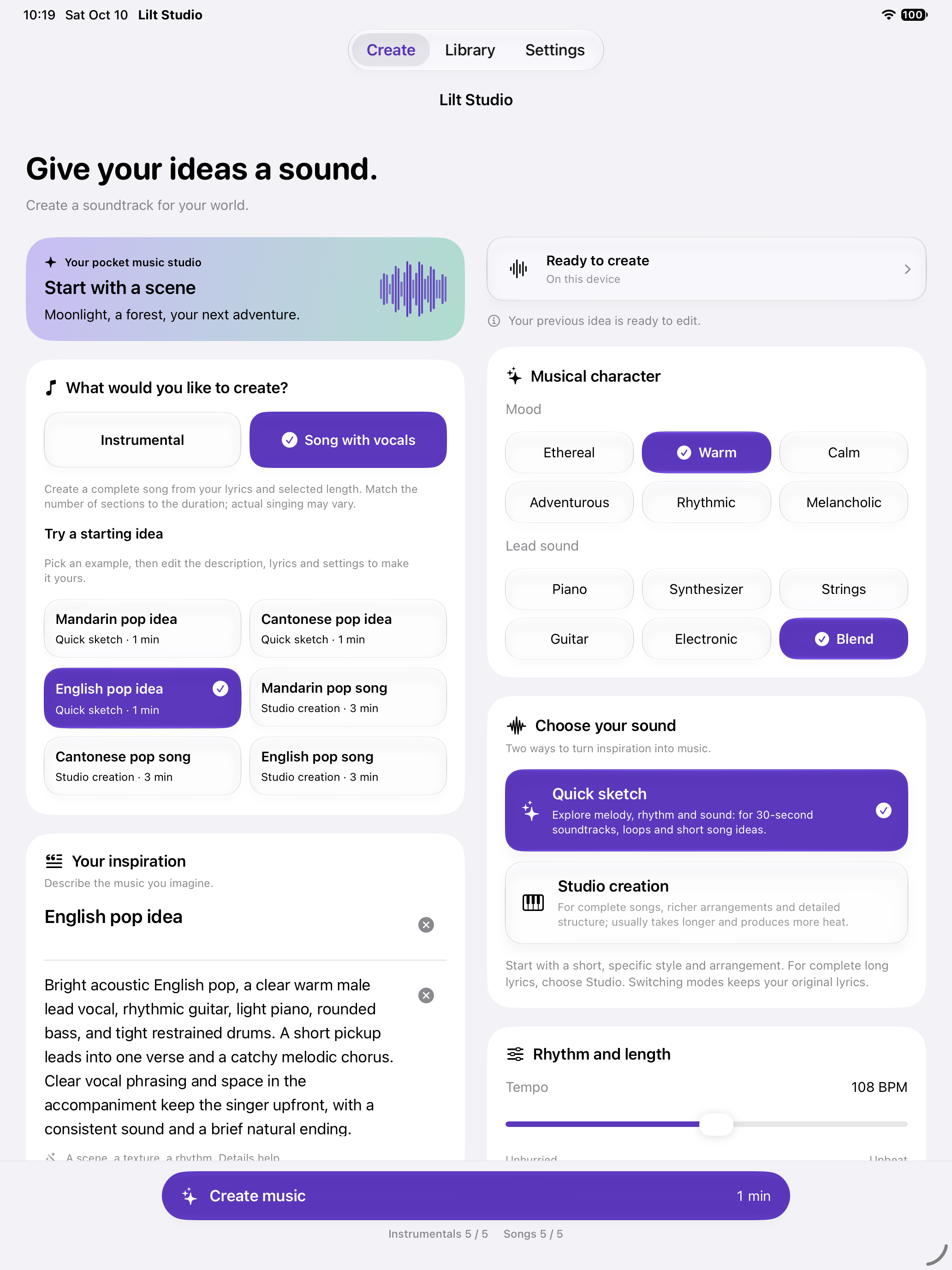
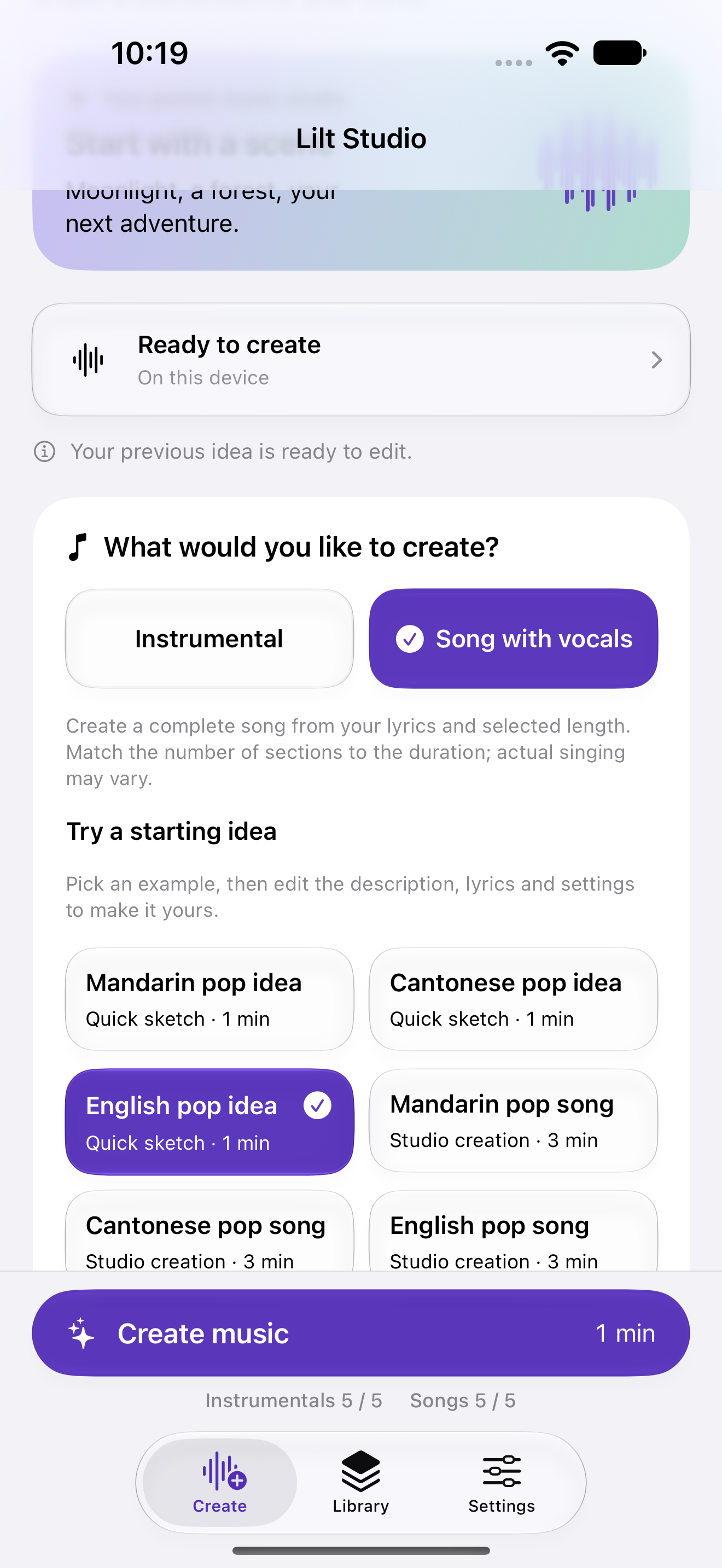
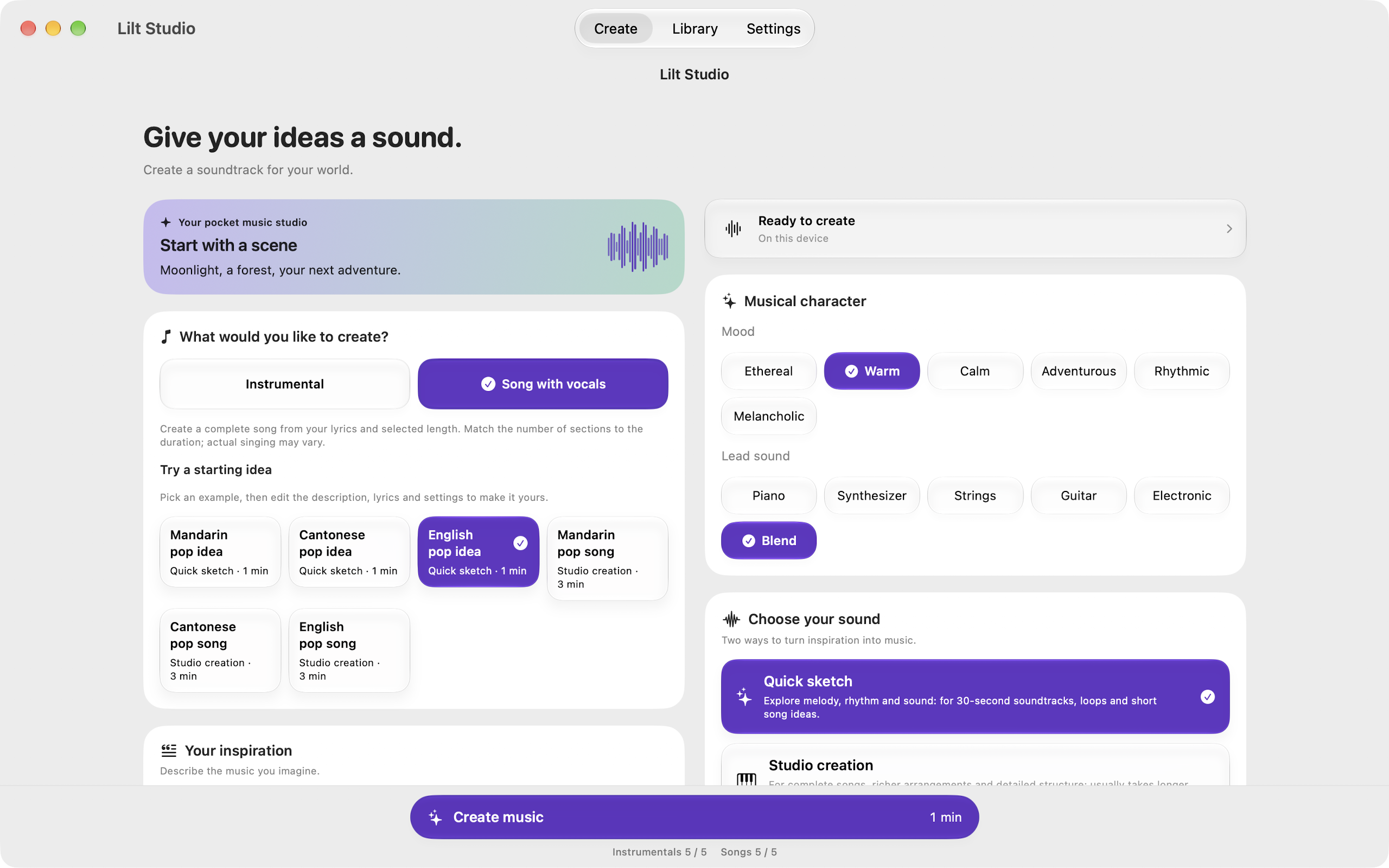
Quick sketch offers editable 30-second piano and groove ideas, plus 60-second Mandarin and English verse-and-chorus examples. Choose Studio creation for a fuller song or more developed arrangement. Your full lyrics remain editable.
02
Shape the whole song
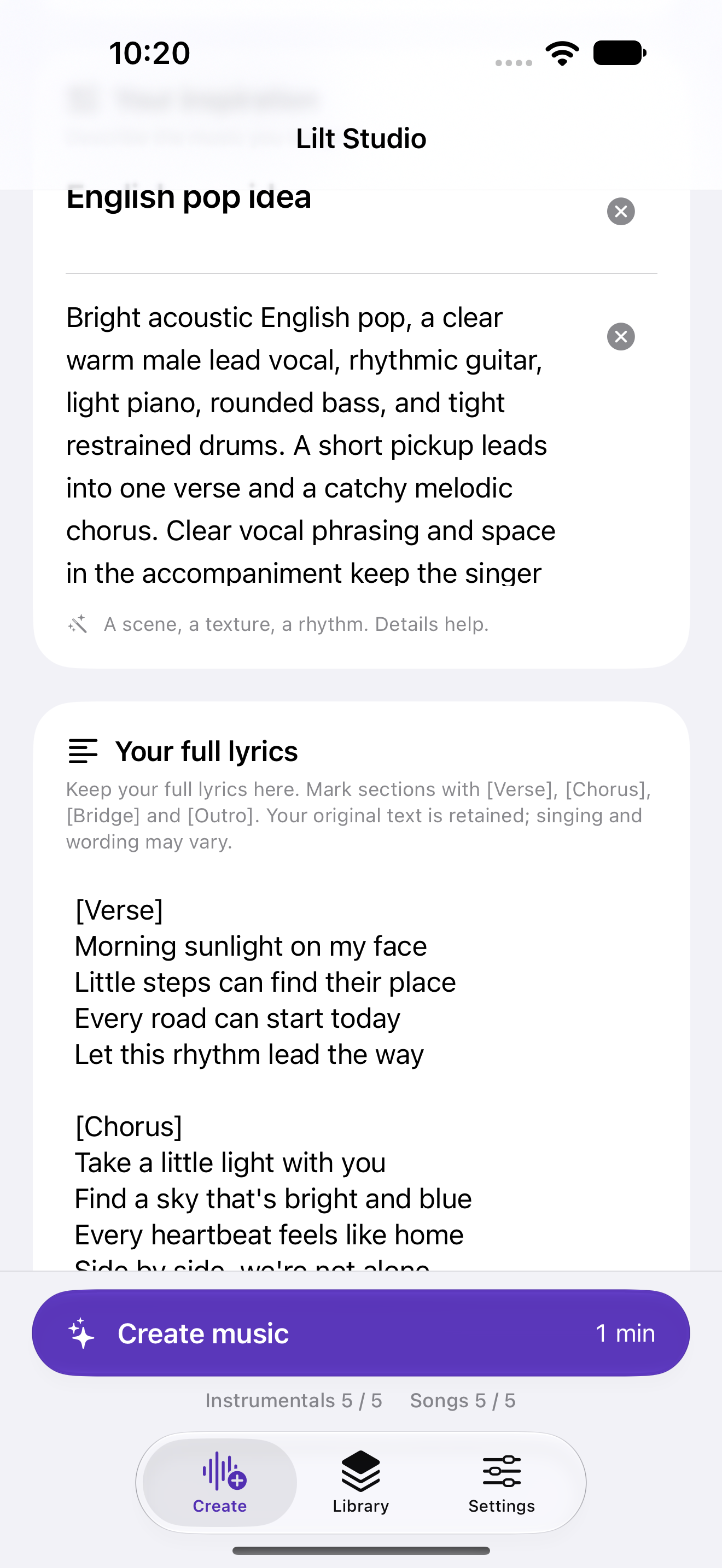
Choose a song, edit the full lyrics and keep the verses, chorus, bridge and ending you want. Generate the complete song in one request. Singing, lyric clarity and structure need listening review.
03
Listen, then make it yours
Review your description and lyrics before creating. Optional local music planning helps prepare the work. Listen to the result, check its actual duration and reuse the idea for another version.
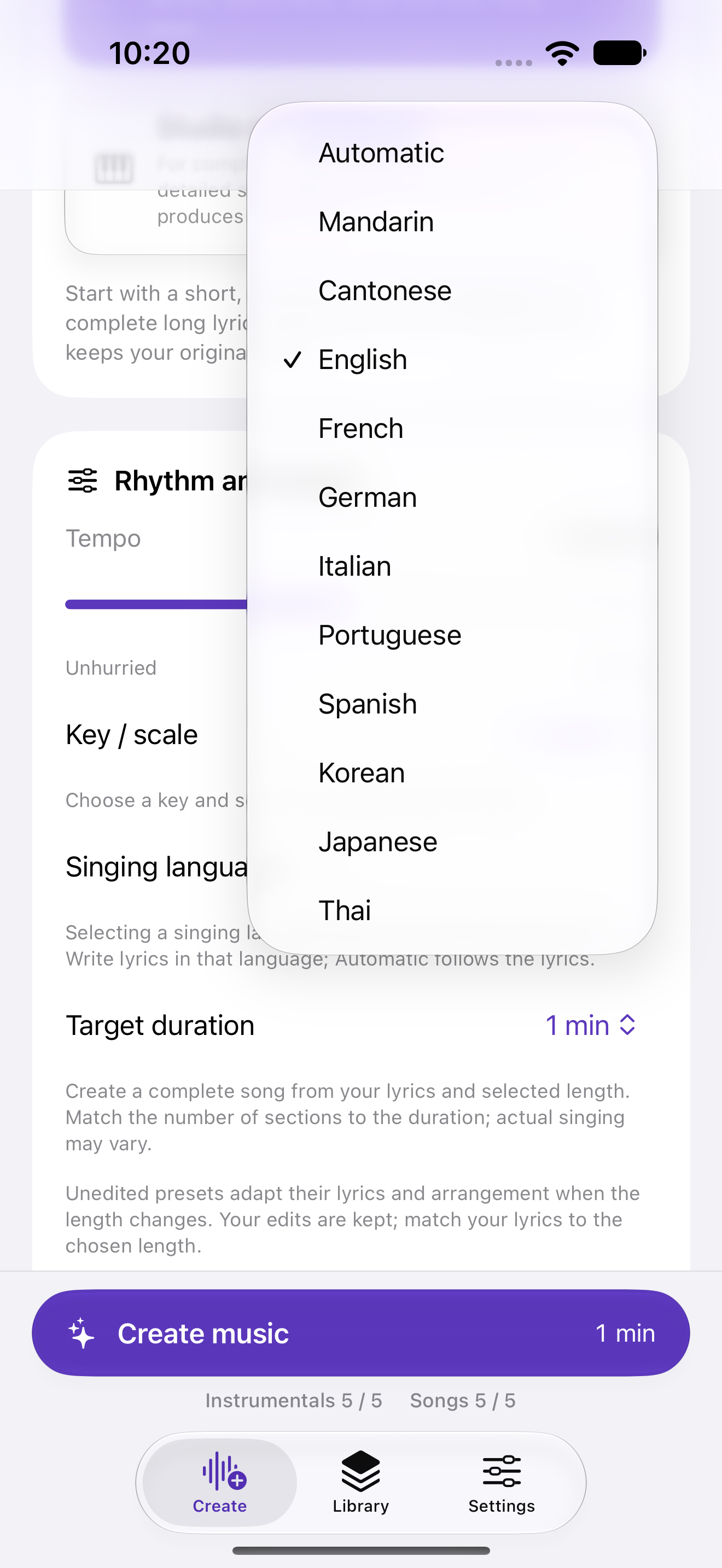
Songs in Cantonese and other languages
Choose Cantonese after Mandarin in Singing language and supply Cantonese lyrics. Other supported singing languages are available in the same menu. Listen to the result to review pronunciation and how the lyrics are sung. Selecting a singing language does not translate existing lyrics. Write lyrics in that language; Automatic follows the lyrics.
A local Apple workspace
Creation runs locally on the device, including the optional music planner; it does not use an external model service. The platform-specific resources are hosted by Apple and saved on the device. Target tiers are iPhone/iPad with 8 GB or more and Mac with 16 GB or more; actual device performance still needs validation.
Follow the recording’s measured waveform as you listen. Light and dark appearances keep a consistent style, with a spacious Glass workspace on iPad and Mac.
A CLOSER LOOK
Your creative workspace, in view.
Your idea. Your own music.
5 free instrumentals + 5 free songs, up to 3 minutes each. Resources need no Pro. Editing and all audio export require Pro.
Your lyrics, from verse to chorus.
Keep your full lyrics in one song request.
Write songs in your language.
Choose a singing language, including Cantonese.
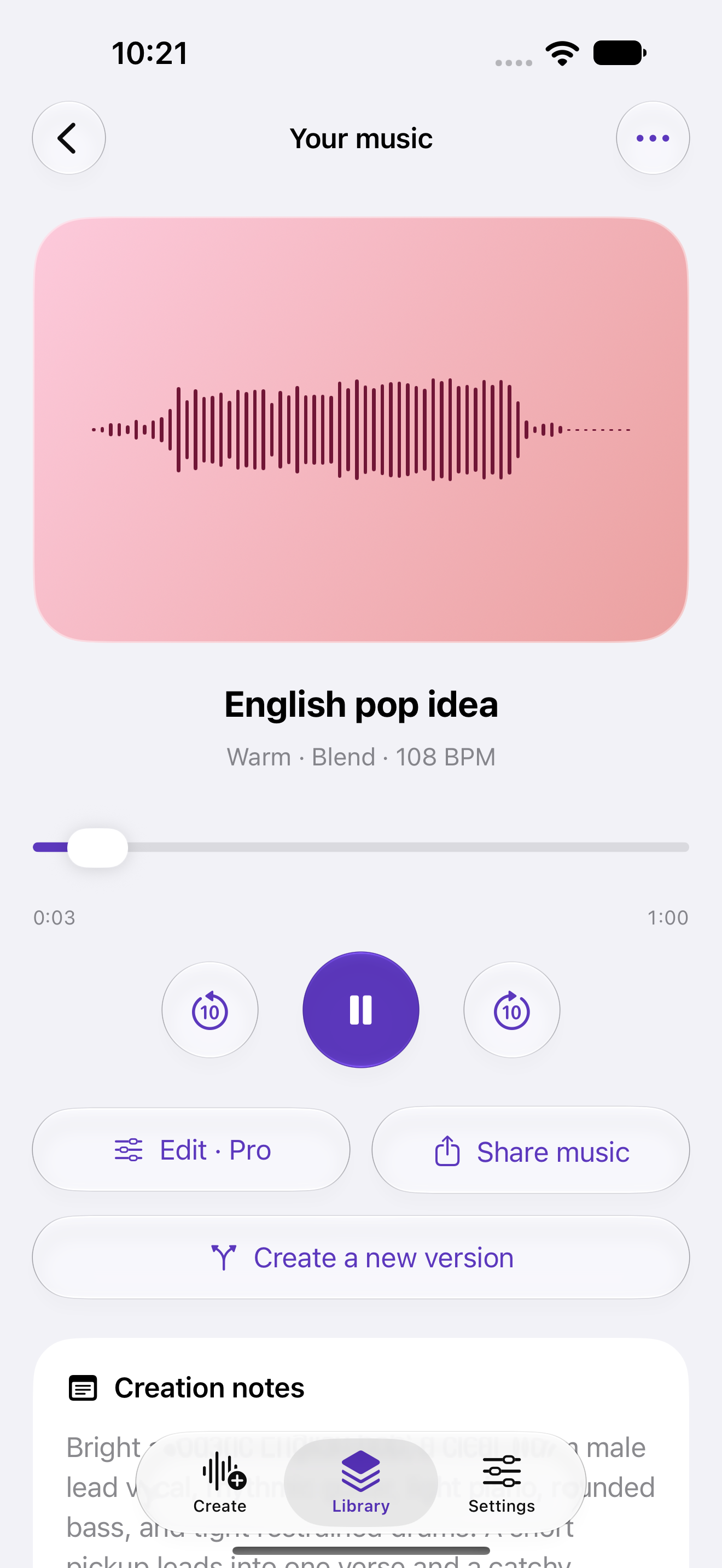
Hear what you’ve made.
Listen to saved recordings and follow their waveform.
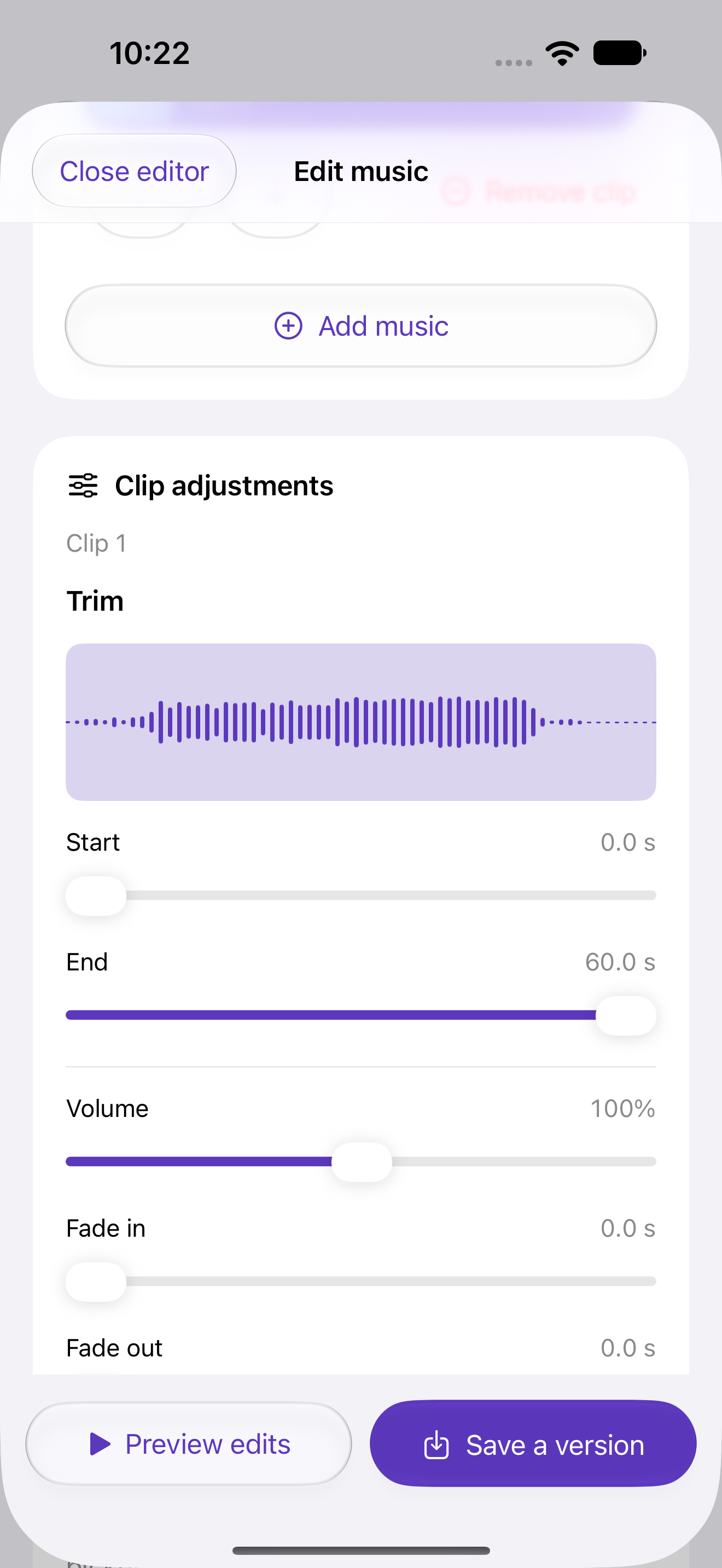
Refine a version. Keep the original.
Trim, add fades and save a new version.
Music editing, all audio export and audio sharing require Lilt Pro.
Music editing, all audio export and audio sharing require Lilt Pro.
Mac · Your idea. Your own music.
ONE PURCHASE. MORE ROOM.
Keep creating with Lilt Pro.
Lilt Pro unlocks further creations, targets longer than 3 minutes, editing, sharing and audio export. Buy once for lifetime access. Restore a valid purchase on supported iPhone, iPad and Mac apps with the same Apple Account. No subscription; Apple shows the local price before purchase.
Music editing is included with lifetime Pro. Your originals stay unchanged. Make simple edits to your music: trim sections, adjust volume, speed and pitch, add fades and blend sections smoothly. Preview your changes and save a new version while keeping the original. Choose M4A, WAV, AIFF or FLAC when sharing or exporting audio.
Lilt Pro
US$4.99
Lifetime purchase
US reference price. Apple shows your local price.
5 free instrumentals + 5 free songs, up to 3 minutes each. Resources need no Pro. Editing and all audio export require Pro. Your saved pieces remain available to listen to. Failed or cancelled creations do not use your free allowance. Deleting a recording or reinstalling the app does not replenish the allowance.
Newly saved music starts a preview while the app is in the foreground. Your later playback choices take priority. Paused position is restored quietly after reopening; press Play to continue.
iPhone · iPad · Mac
Made for your Apple devices.
iPhone · iPad8 GB+
Apple Silicon Mac16 GB+
The new version is in testing for iOS 26, iPadOS 26 and macOS 26 or later. Target devices are iPhone/iPad with 8 GB or more RAM and Apple Silicon Macs with 16 GB or more. Performance on the minimum-memory devices still needs validation.
See the current stage and actual elapsed time beside the creation controls. The estimated time range adapts to successful work on your device; temperature and workload can change it. On iPhone/iPad, keep the app in the foreground while the app requests an awake screen. On Mac, keep the workspace open.
Resources can be downloaded or imported without Pro. Create offline once installed. On first use, download creative resources in the app; it shows the storage required. Once resources are ready, create on this device. Generation may warm your device, and waiting time varies with temperature and workload.
Free works can be up to 3 minutes. Unlock Pro for longer works. Requested duration is a planning target. Listen to the result and check its actual recorded duration.