iPhone · Capture & create
Scan objects, create from a single photo, and share your work through AR photography or photo compositions.
 WorldCopy 摹界中文
Start with a walk around an object, or a single photo. Capture ideas on iPhone. Refine them on Mac. Create on your own device.
iOS and Mac editions are preparing for App Store release.
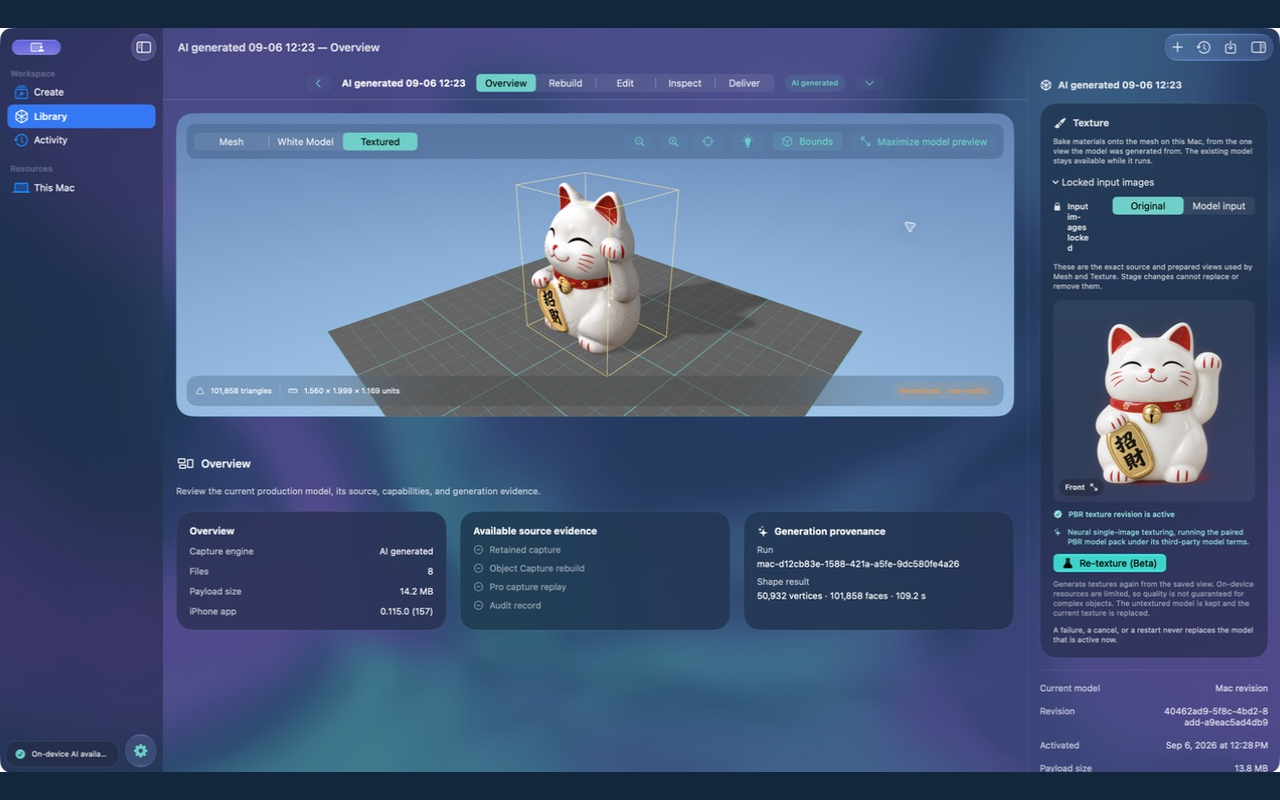
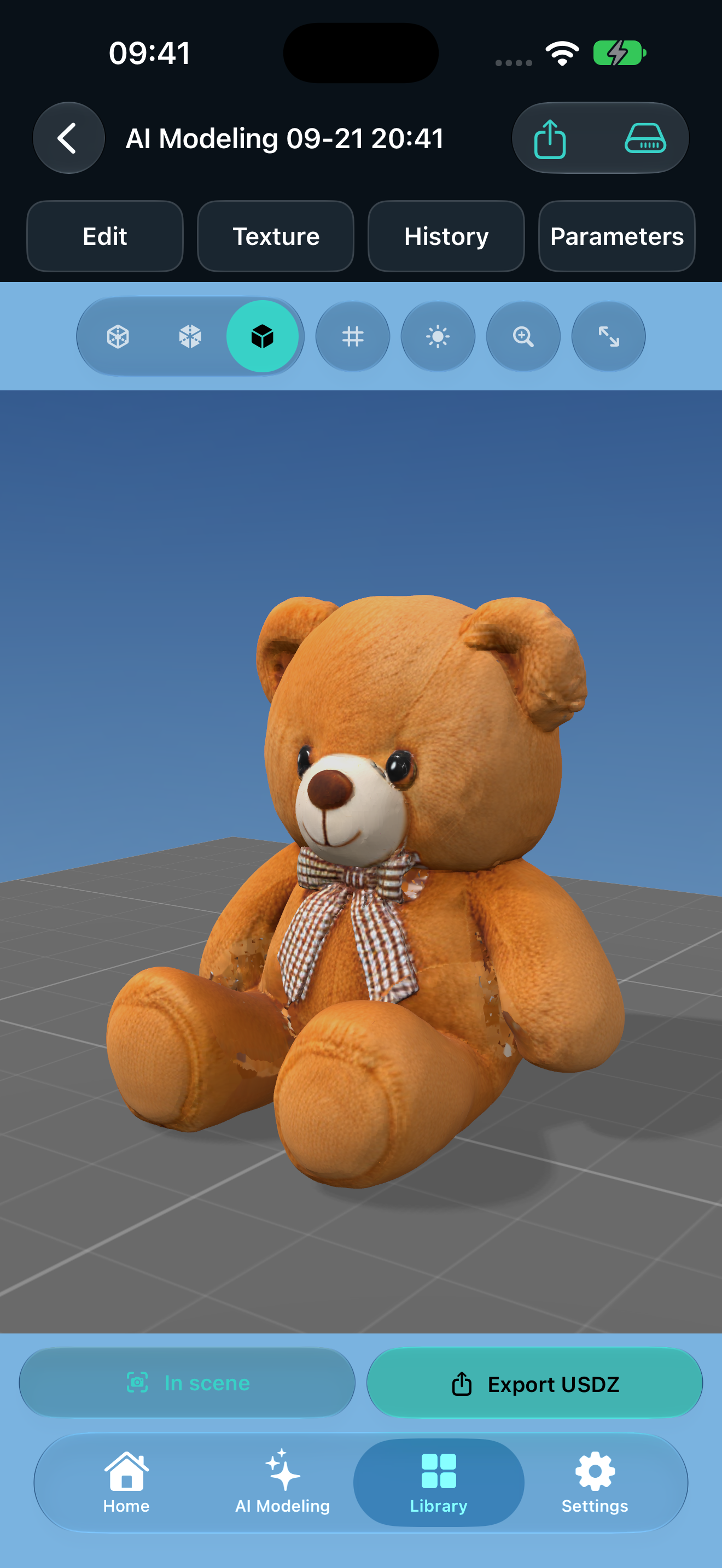 Actual app interface · AI-generated model
Scan objects, create from a single photo, and share your work through AR photography or photo compositions.
Continue from an iPhone capture package, or start with one or four views. Edit, inspect and export your model.
Photos and models are processed on your device. You choose when to export or share.
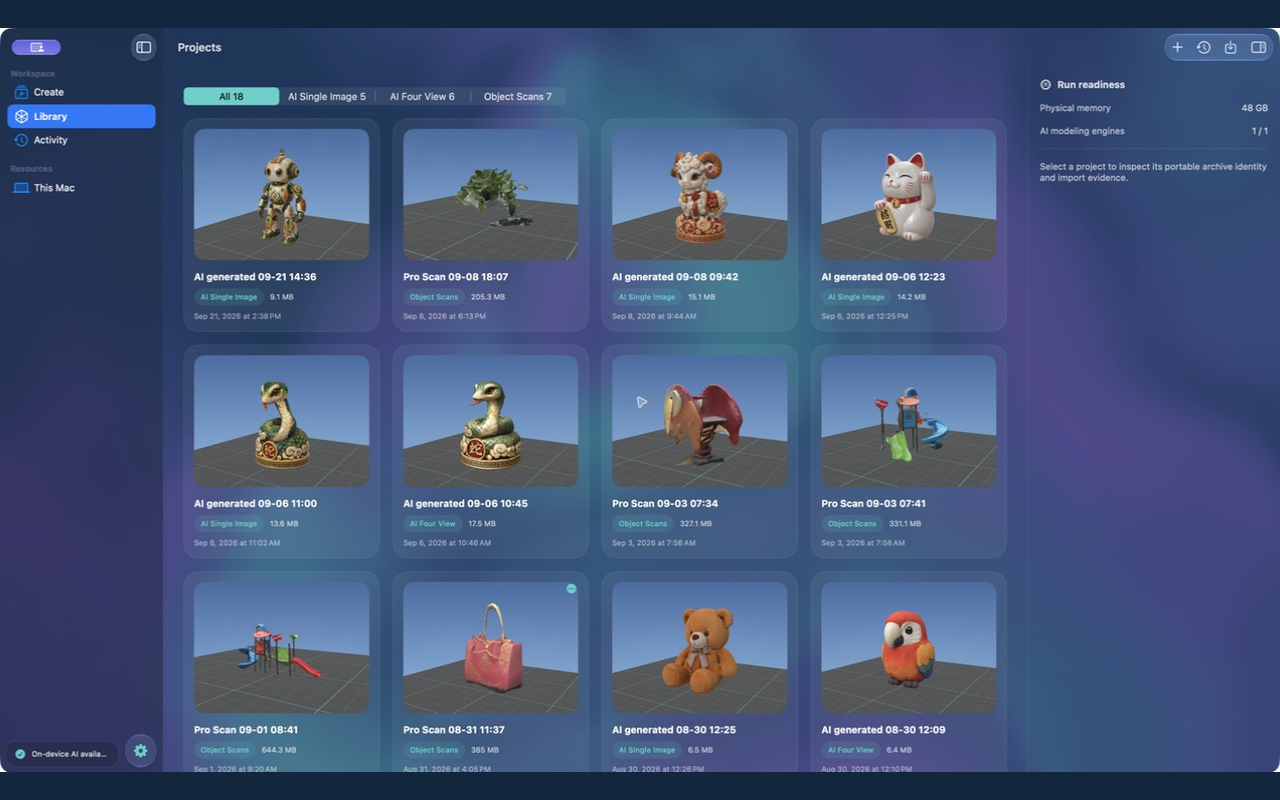
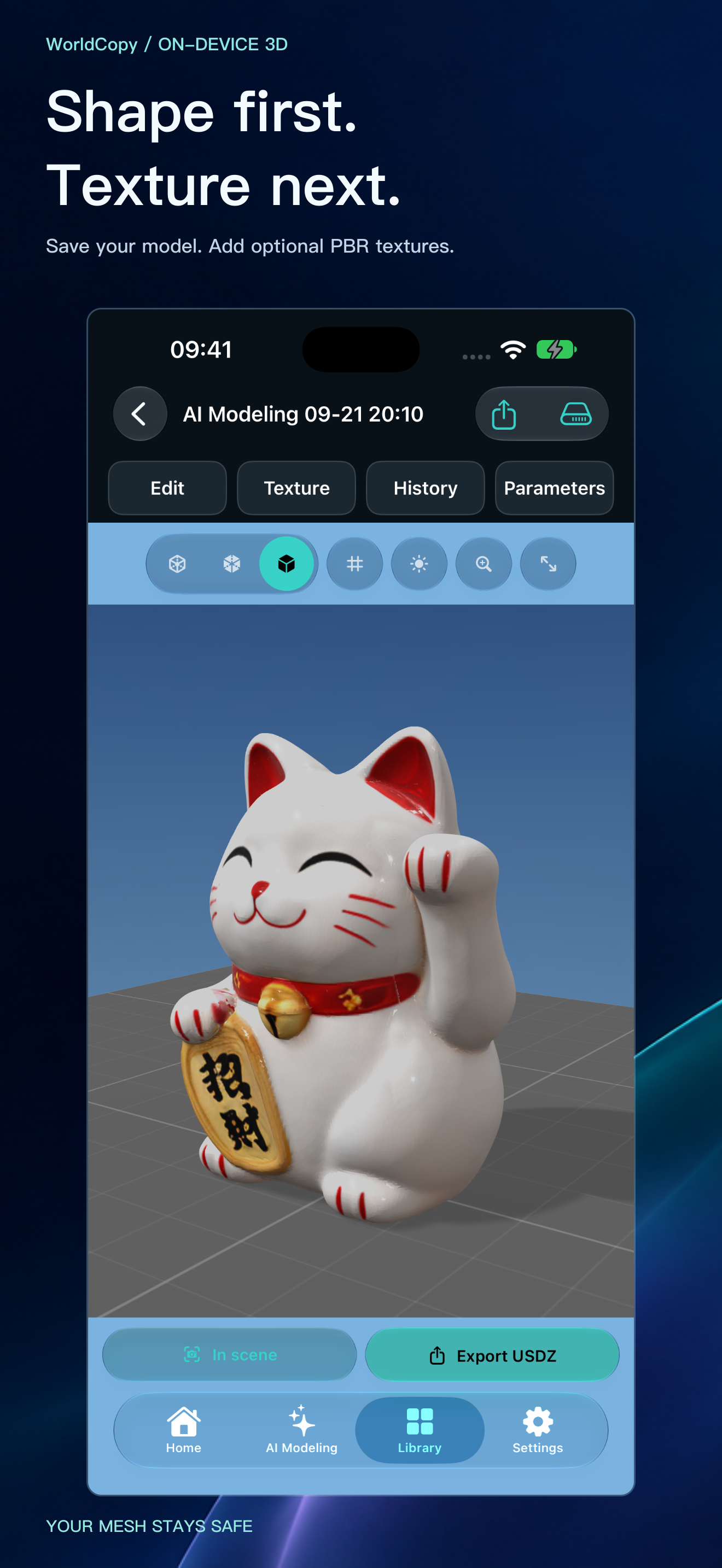
Create a model from a photo. Save the shape, then choose its textures. Process your work on-device and decide how to share it.
AI modeling and texturing are Beta features. iPhone / iPad require at least 8 GB RAM, including 8 GB. AI and engine downloads are disabled below this threshold; Pro does not remove the limit. Mac has separate hardware requirements. Supported devices must download the engines before use.
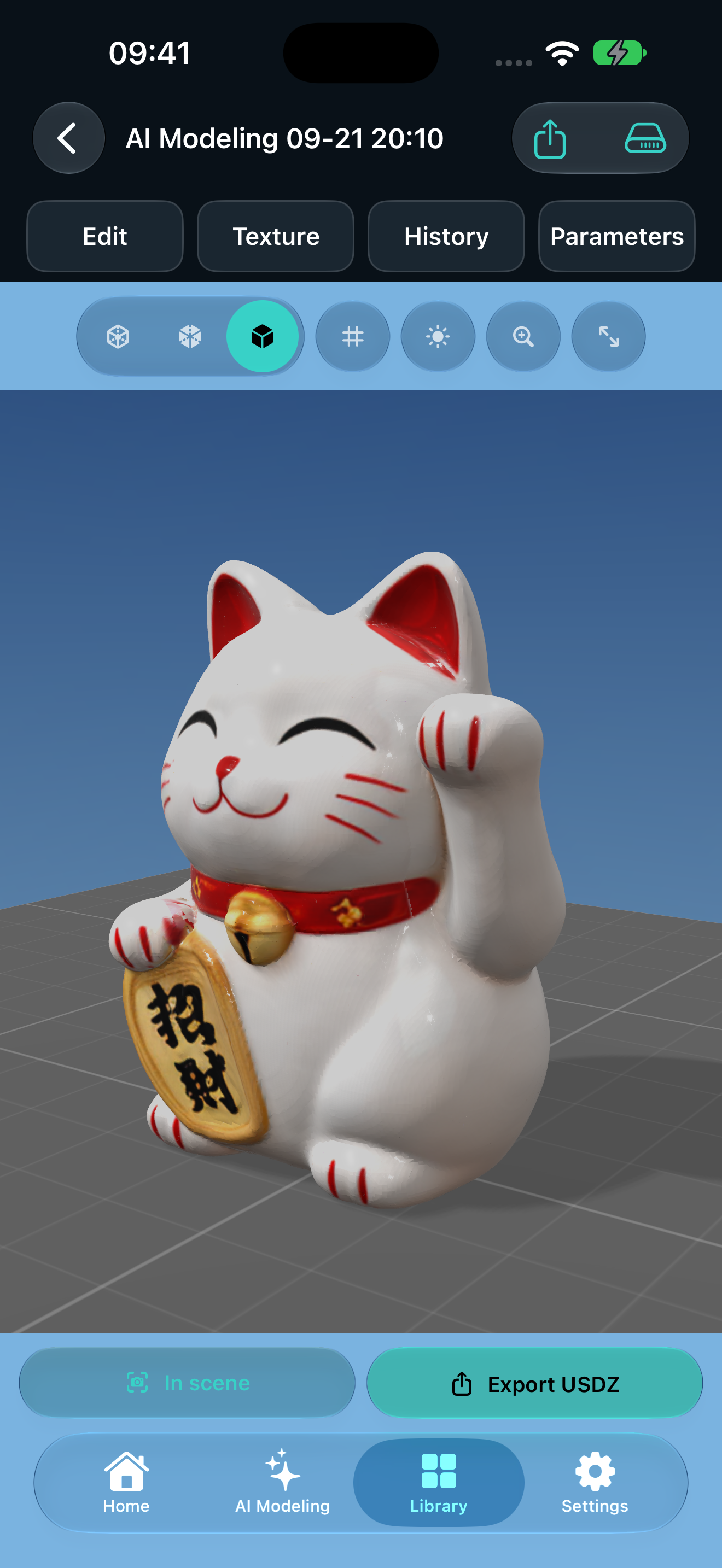
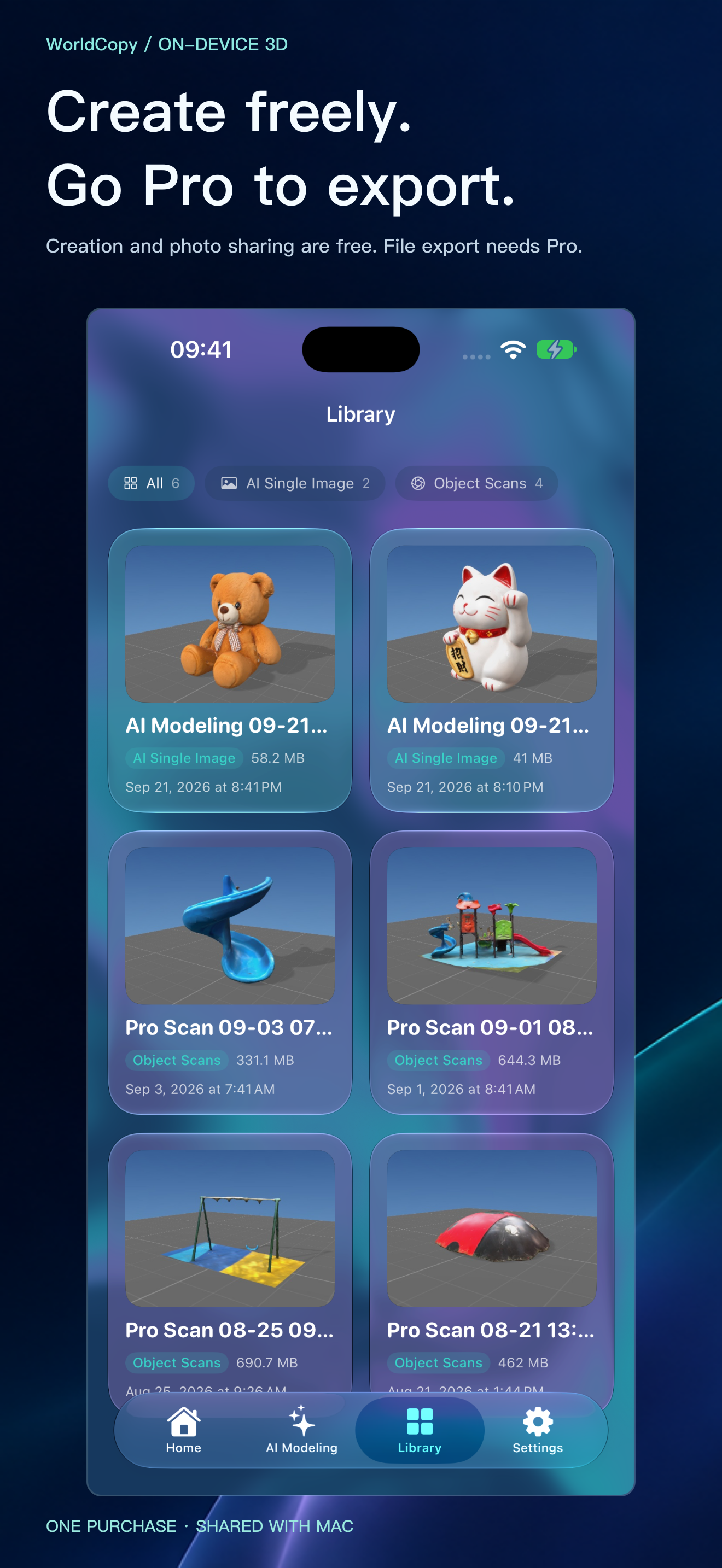
Create, save, preview, edit and share photos on iPhone and iPad for free.
One Pro purchase unlocks model-file exports on iPhone and iPad, Mac AI engines and scan-file delivery, plus .wc3d project transfer. No subscription. Existing Mac AI creations remain freely exportable.
Explore capabilities and access →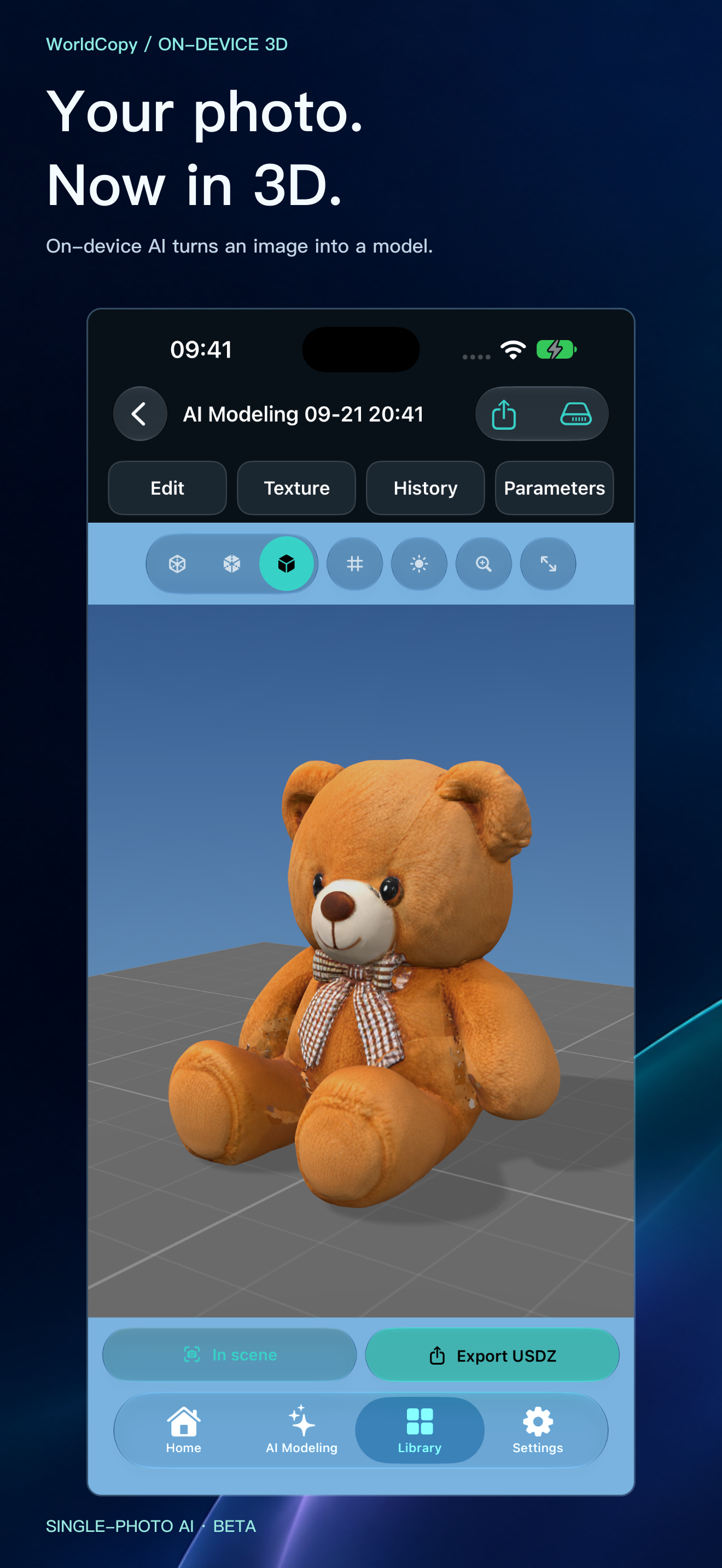
Learn about supported devices, creation steps and common questions.
Read the guide →