Continue from iPhone
Open or drop a .wc3d capture package. WorldCopy validates it and saves a private project copy without changing the source file.
 WorldCopy 摹界中文
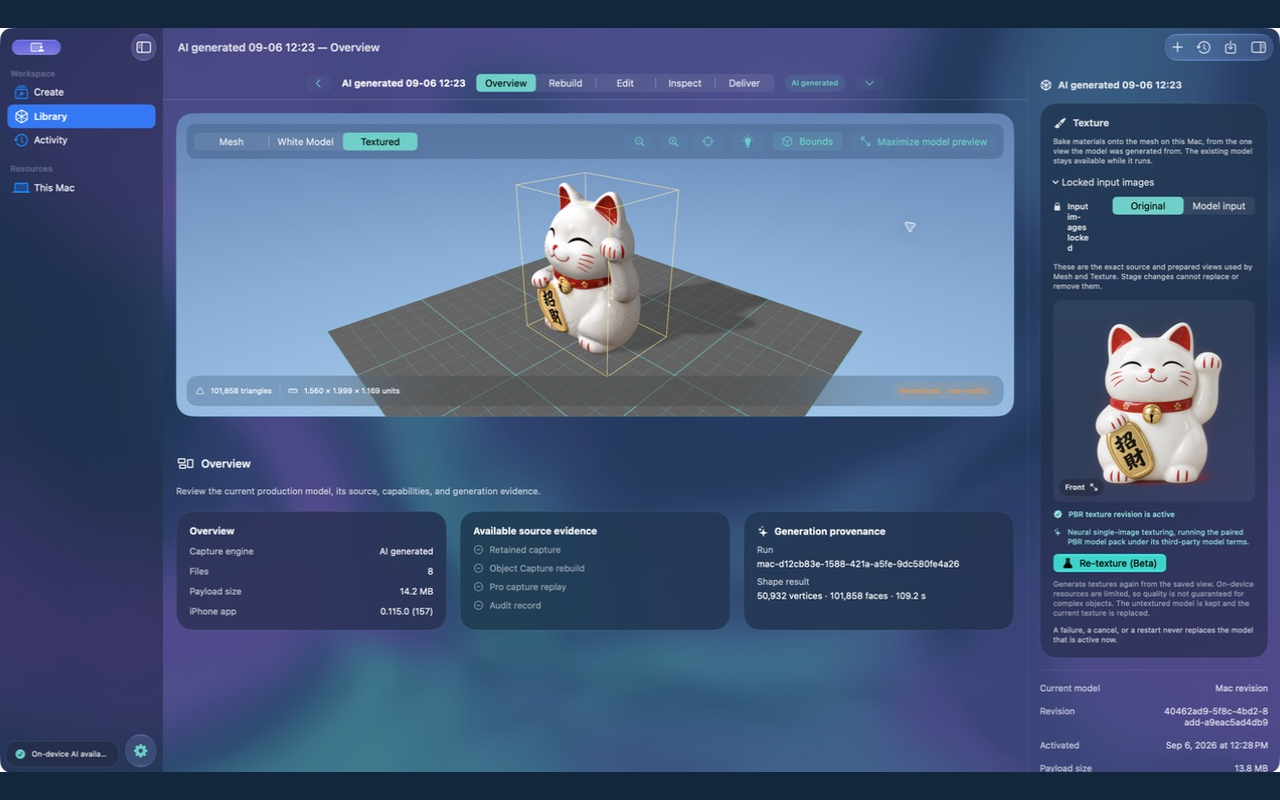
From capture reconstruction to AI creation, bring editing, inspection and delivery into one workspace.
Open or drop a .wc3d capture package. WorldCopy validates it and saves a private project copy without changing the source file.
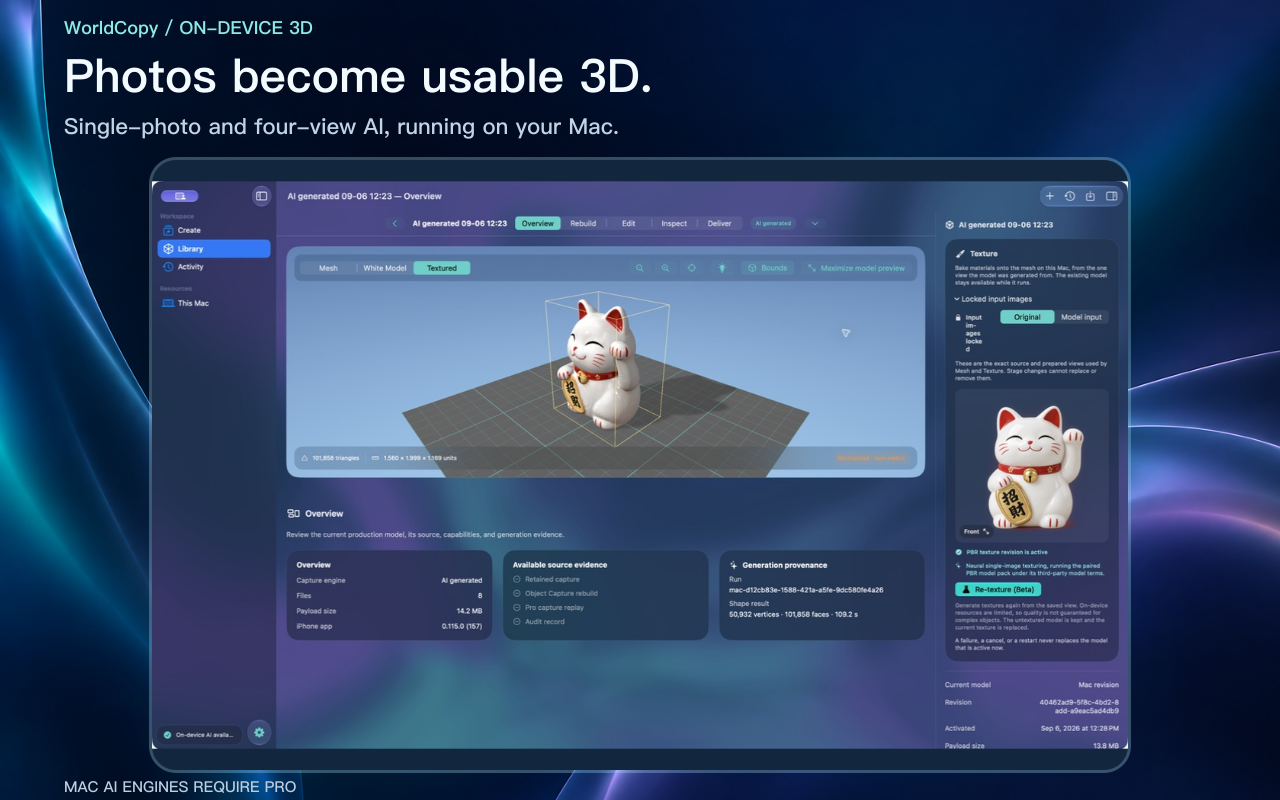
Create from a single image or front, back, left and right views, then choose the matching texture workflow.
Work on the model canvas, inspect topology, UVs, materials and scale, and export supported formats including USDZ, GLB and OBJ.
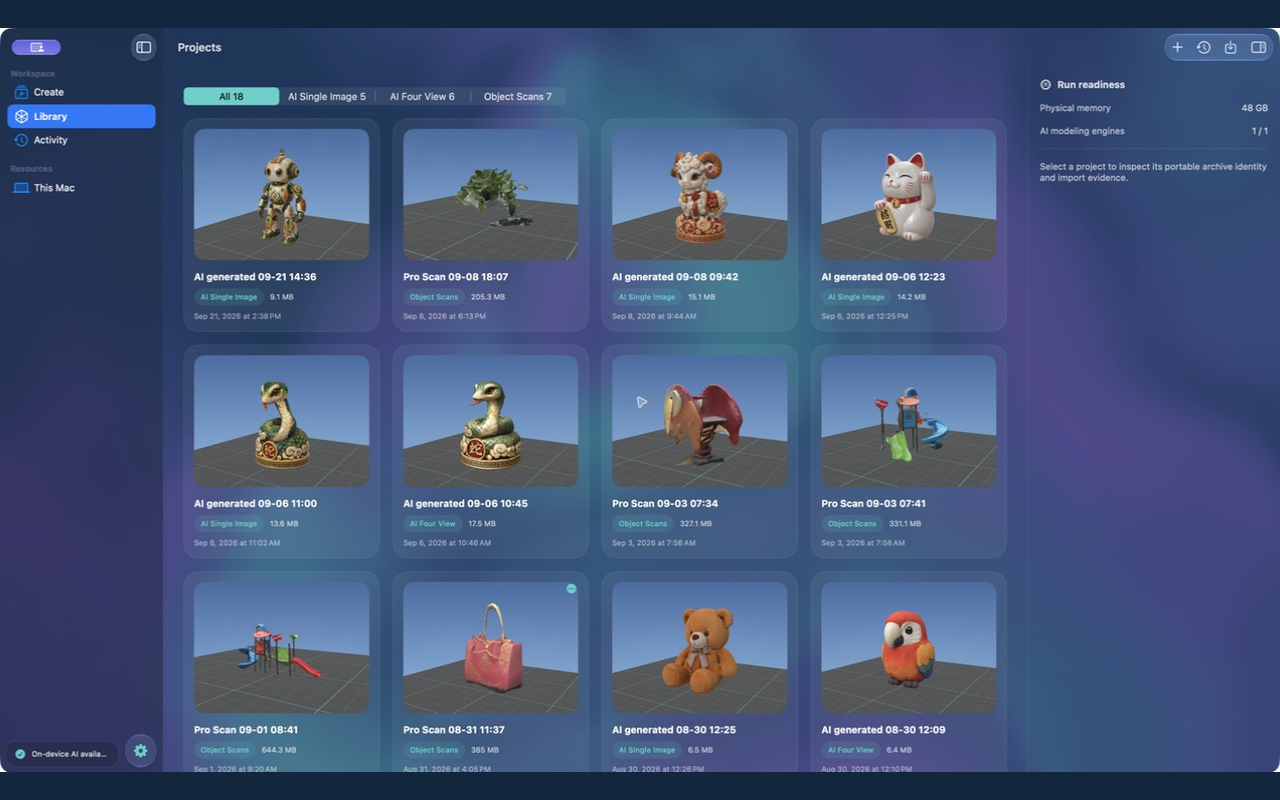
Requires macOS 26 or later, Apple silicon and at least 16 GB unified memory. AI features also check available memory, storage and resource status. Download the engines you need, then process on-device.
Available in Simplified Chinese and English. .wc3d transfers projects as files; it does not provide automatic cloud sync.
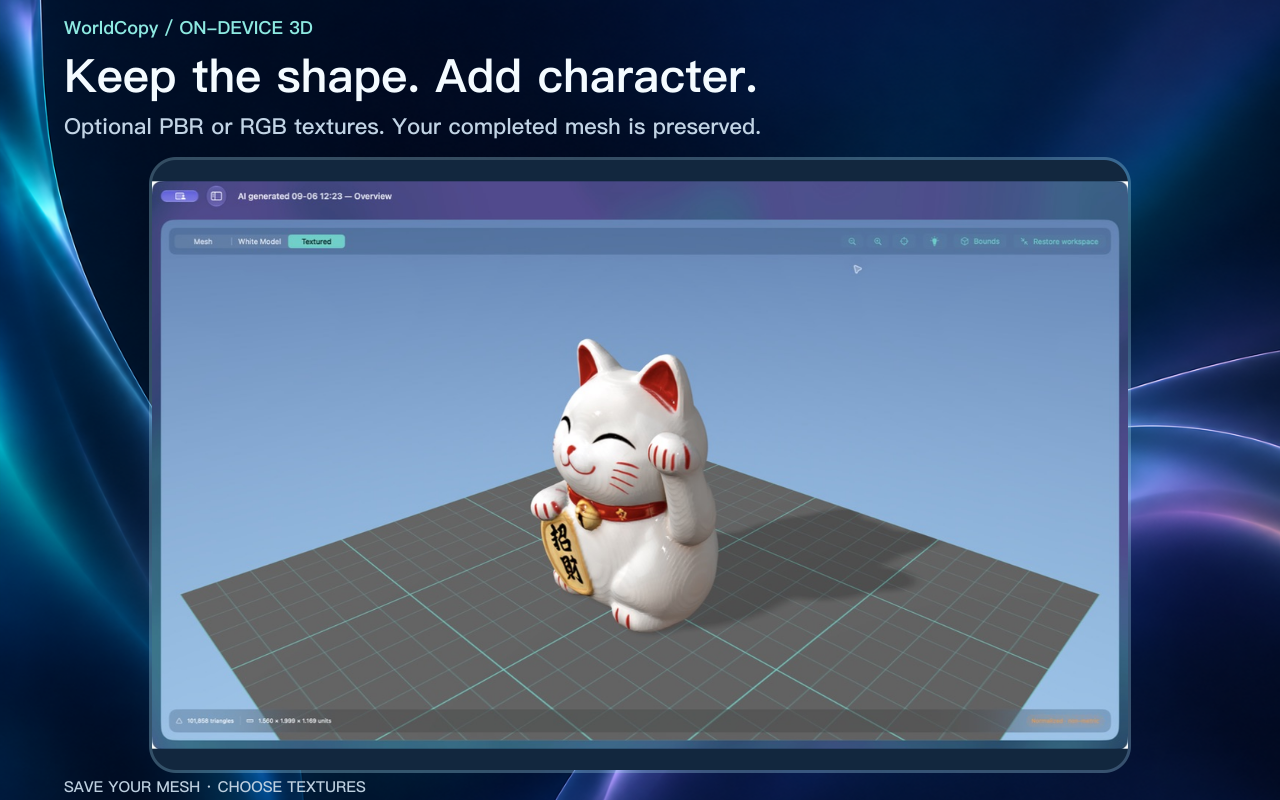
Create a model from a photo. Save the shape, then choose its textures. Process your work on-device and decide how to share it.
AI modeling and texturing are Beta features. iPhone / iPad require at least 8 GB RAM, including 8 GB. AI and engine downloads are disabled below this threshold; Pro does not remove the limit. Mac has separate hardware requirements. Supported devices must download the engines before use.
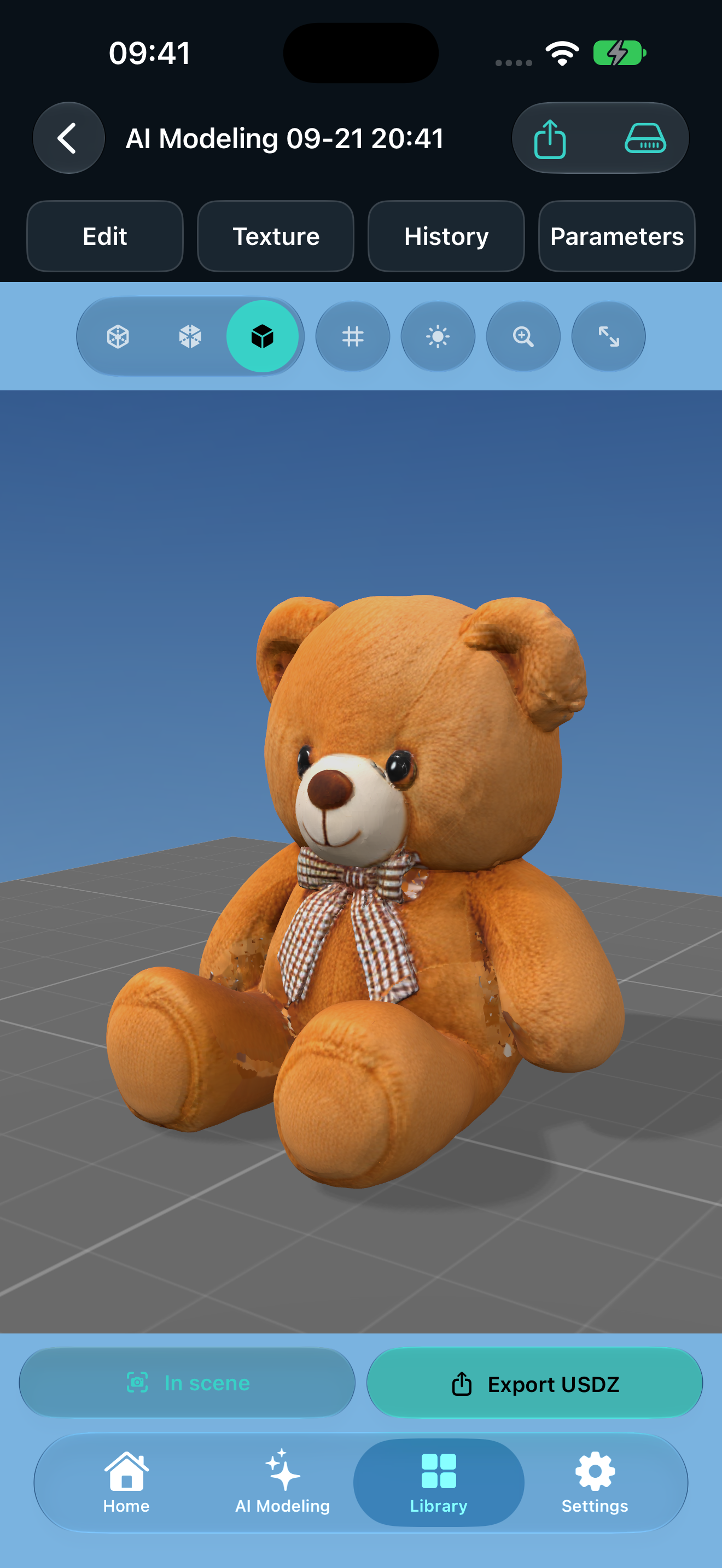
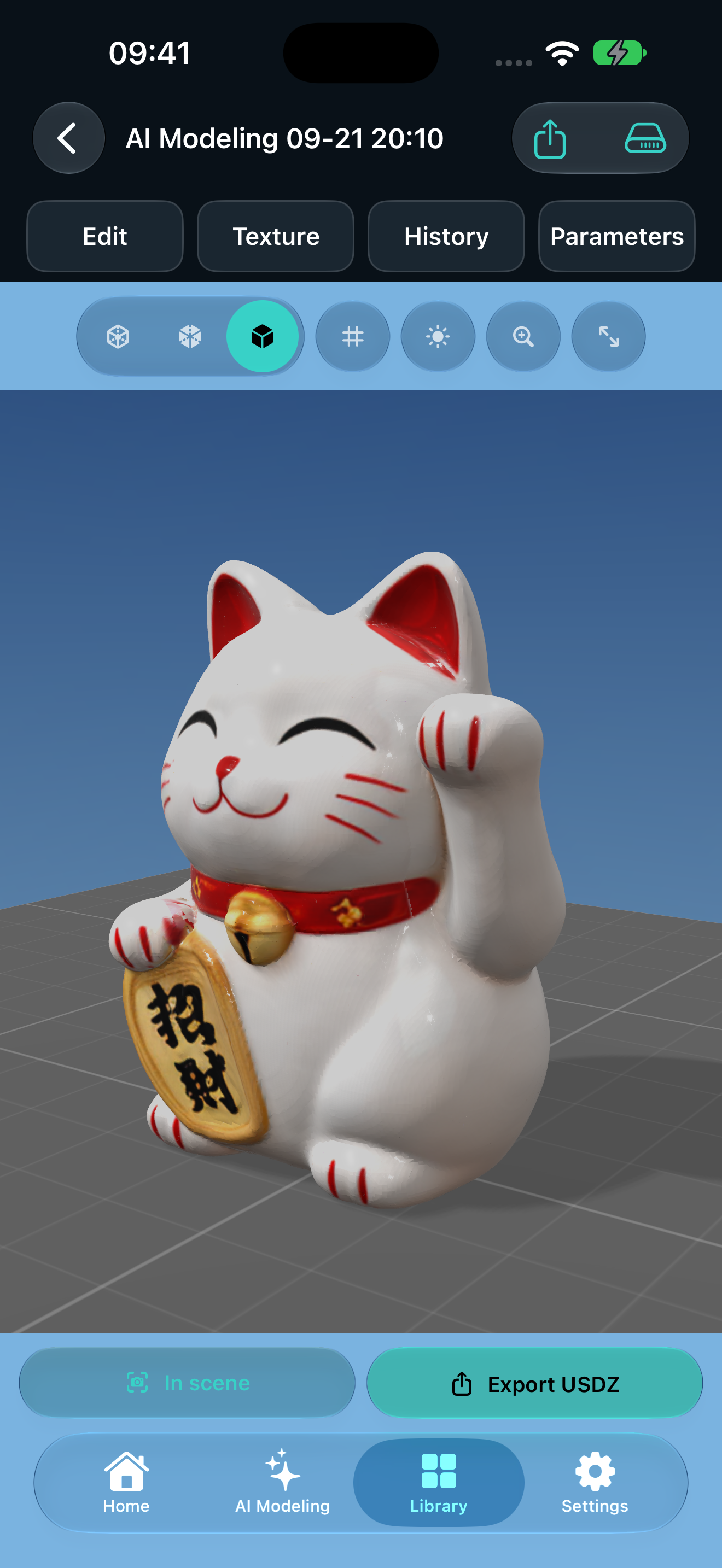
Create, save, preview, edit and share photos on iPhone and iPad for free.
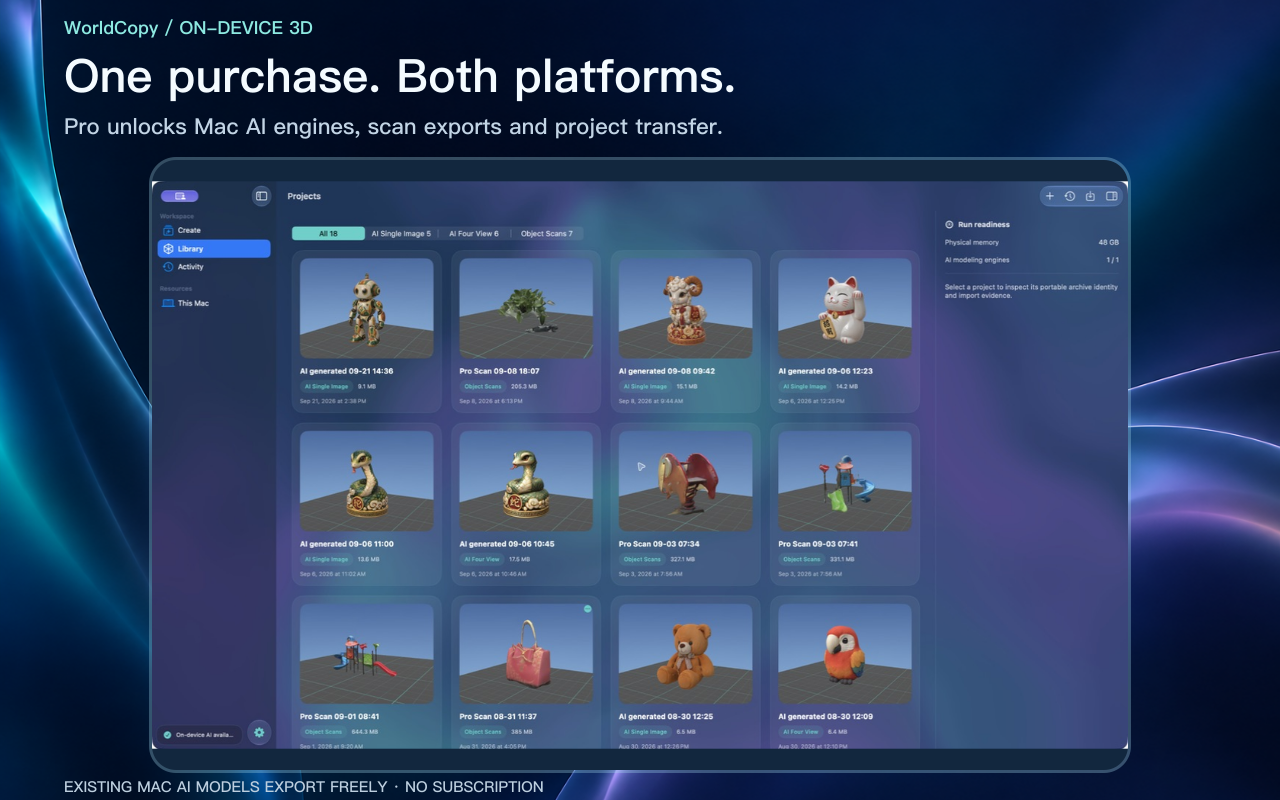
One Pro purchase unlocks model-file exports on iPhone and iPad, Mac AI engines and scan-file delivery, plus .wc3d project transfer. No subscription. Existing Mac AI creations remain freely exportable.
Explore capabilities and access →